Smart Watchlist
Five practical filters — Ready to Watch, New Tonight, Caught Up, Behind, All — so you stop scrolling and start watching.
ShowFlow is a fast, private, native iPhone app that tracks your TV in episode-perfect detail — with notifications when new episodes air and one tap to wherever you stream.
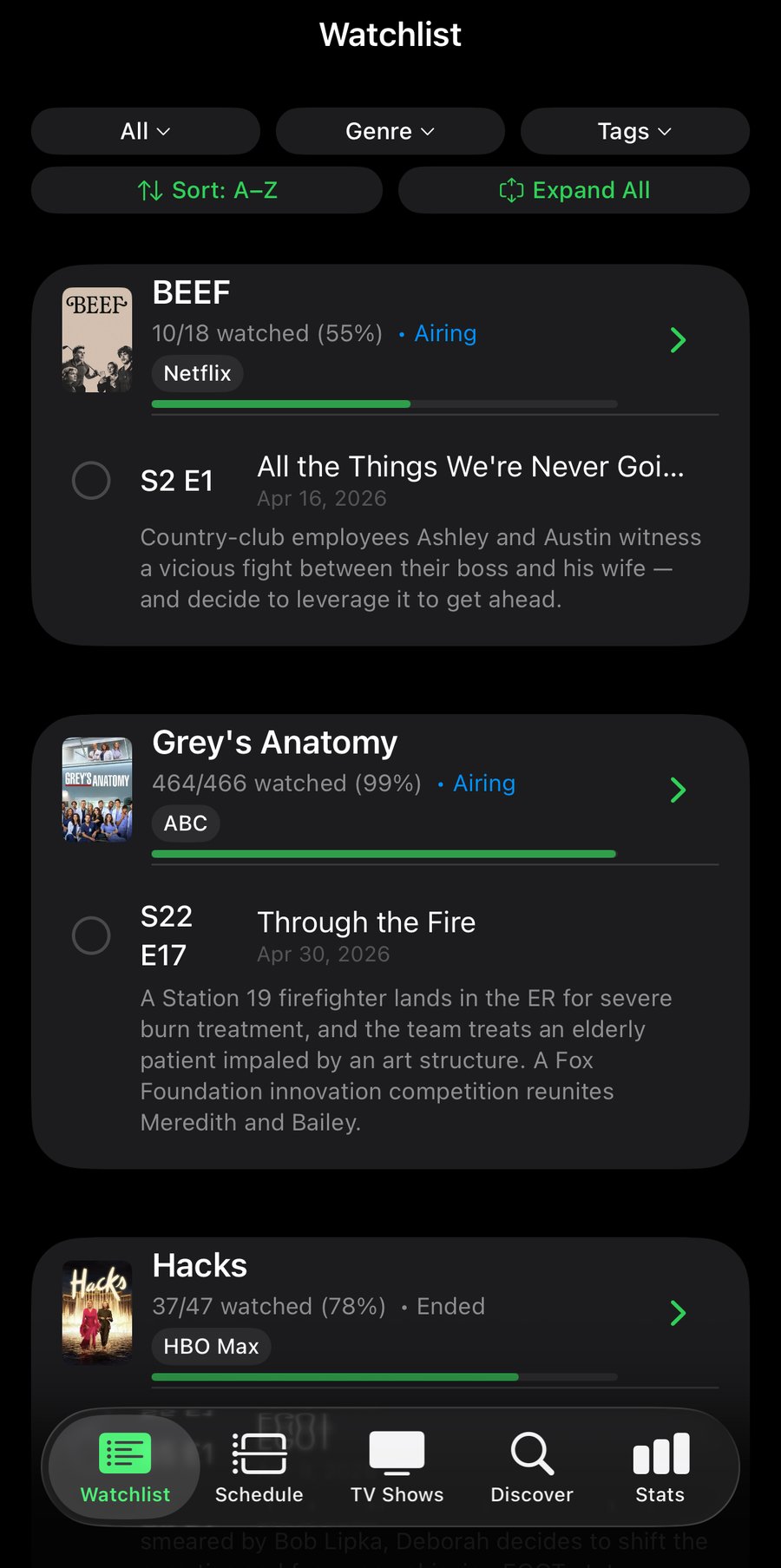
Most trackers were built for collectors. ShowFlow was built for people who actually want to watch the next episode tonight.
Five practical filters — Ready to Watch, New Tonight, Caught Up, Behind, All — so you stop scrolling and start watching.
Each show shows you exactly where to watch — Netflix, Max, Apple TV+, Hulu — and the right app is one tap away.
An alert with the show's poster at 9 AM local on each episode's air day. Never accidentally read a spoiler again.
ShowFlow's Watchlist isn't a wall of posters. It's a short, ranked list of what's actually ready for you, with the next unwatched episode pre-expanded and a streaming pill that gets you there in one tap.
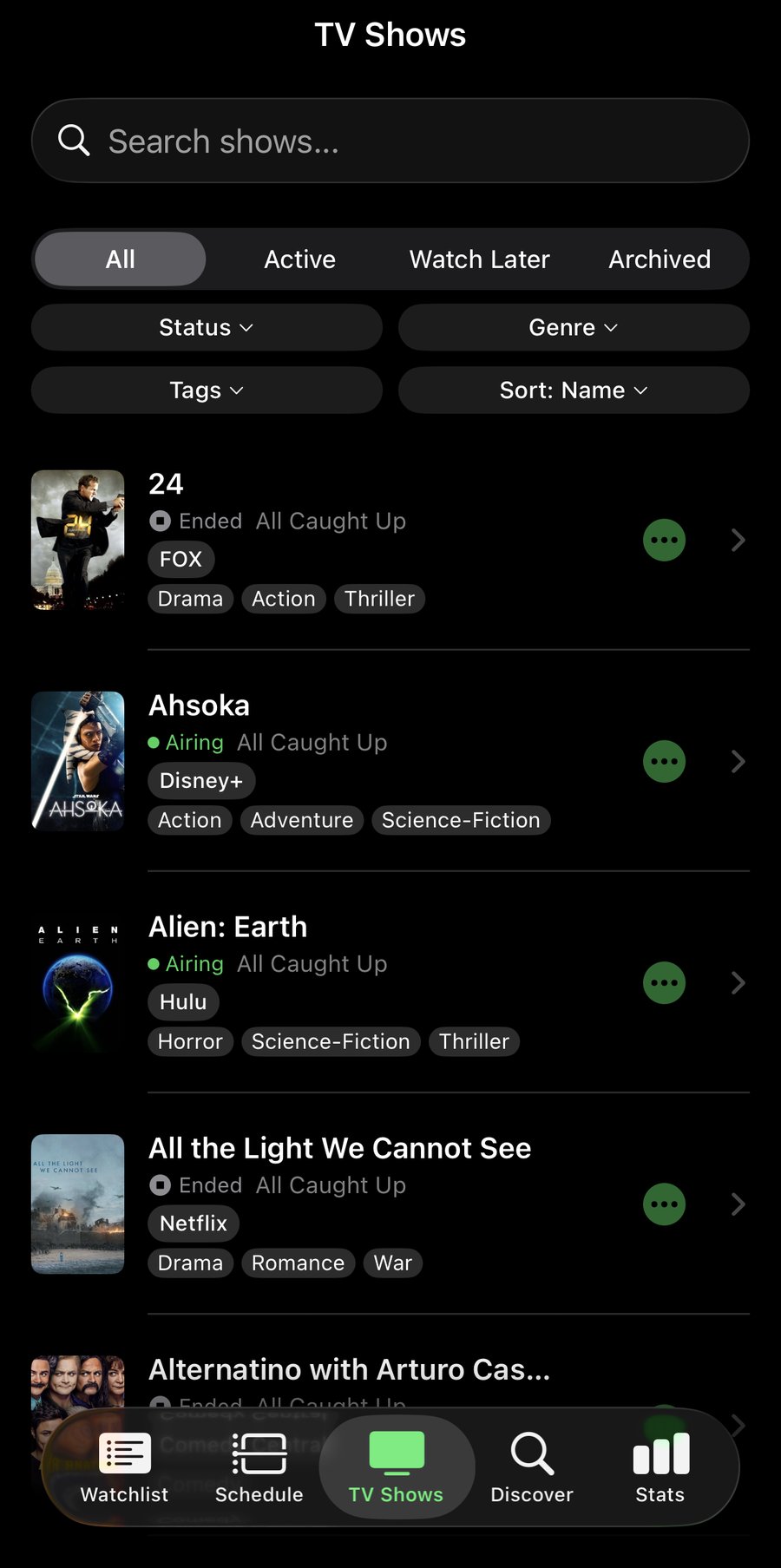
Each show carries its network, and ShowFlow maps that to the right streaming app. Tap the colored pill and the app opens — Netflix, Hulu, Max, Apple TV+, and others. If the app isn't installed, the service's search page opens in your browser with the show name pre-filled.
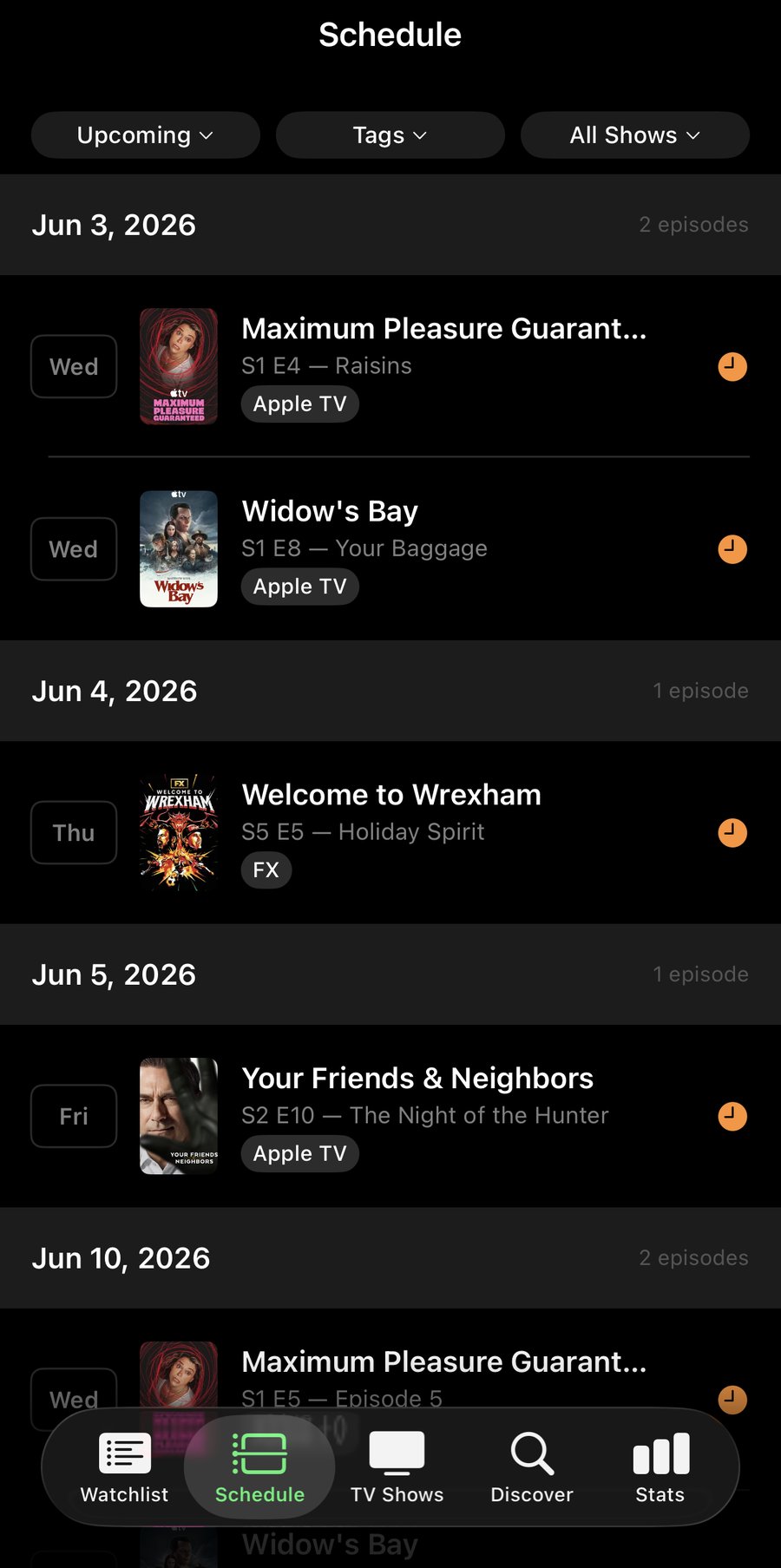
Local notifications with the show's poster attached, at 9 AM local on each episode's air day. No servers, no push tokens, no tracking. Just a quiet reminder when something you care about is about to drop.
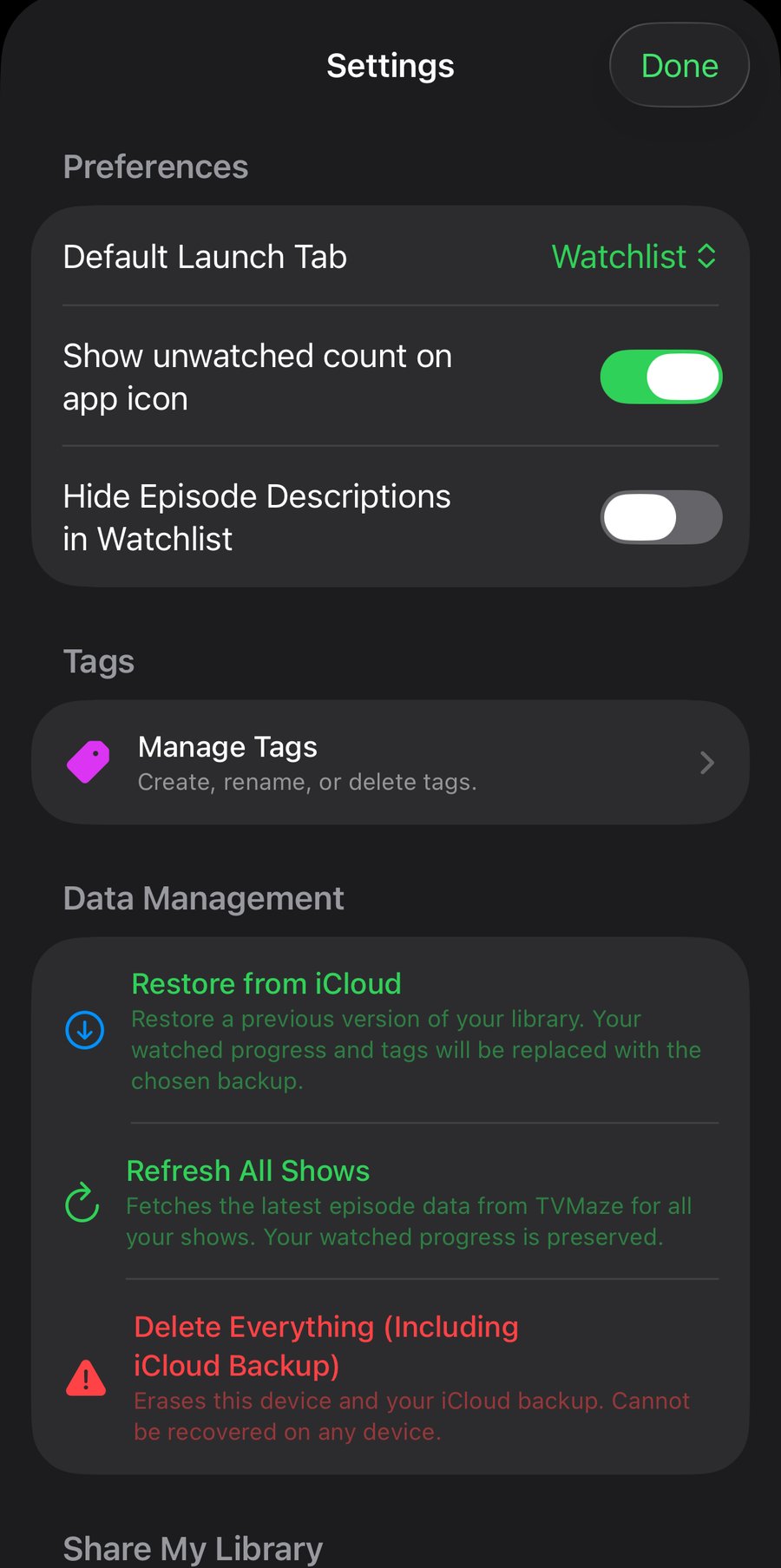
Your library syncs privately across your devices through your own iCloud — no account, no setup. ShowFlow also backs up to your iCloud Drive as a single readable file you control, so a new phone picks up right where you left off.
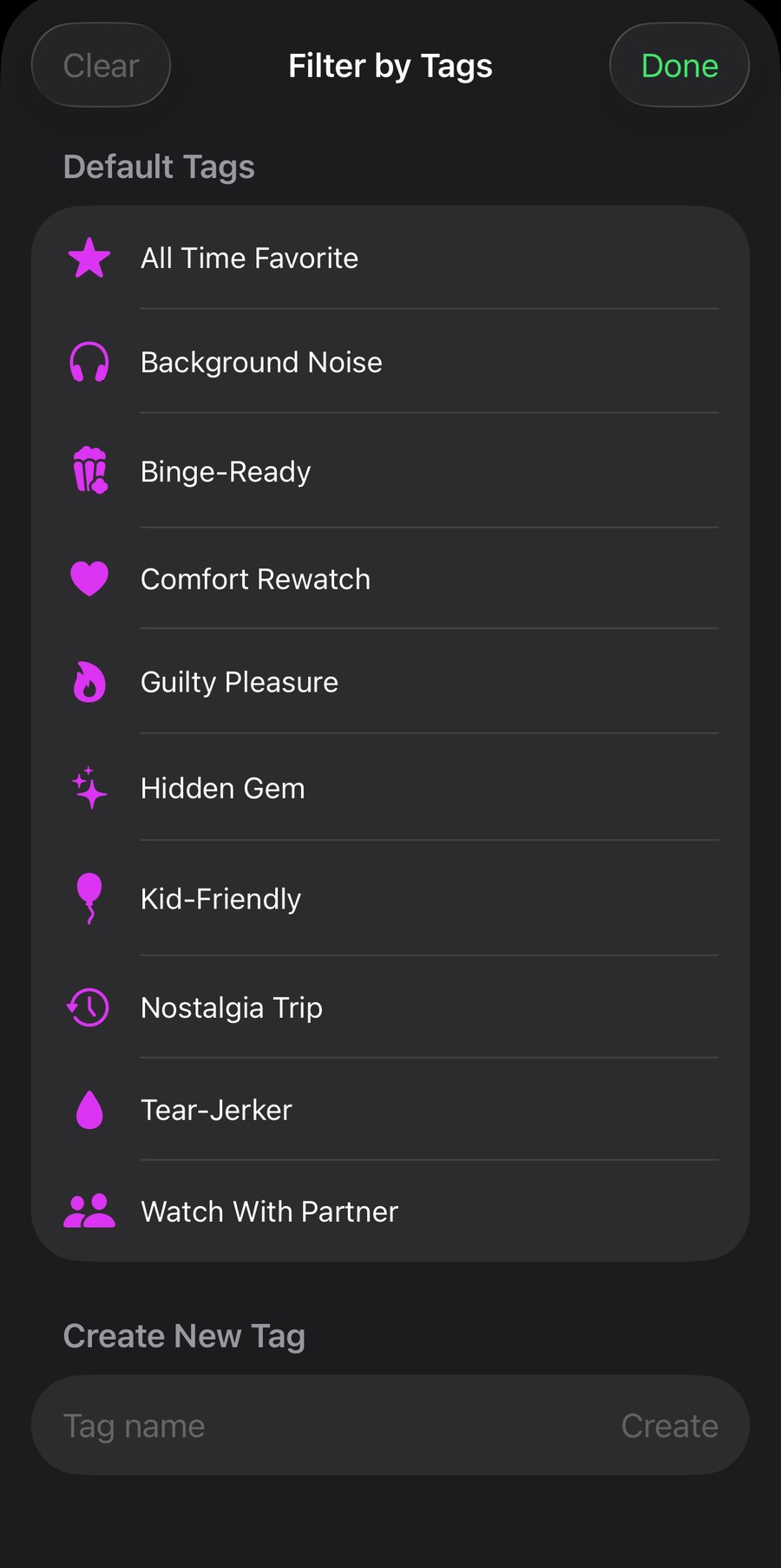
A show can be a comedy and a comfort rewatch and something you and your partner watch together. Tags let you organize the way you actually think.
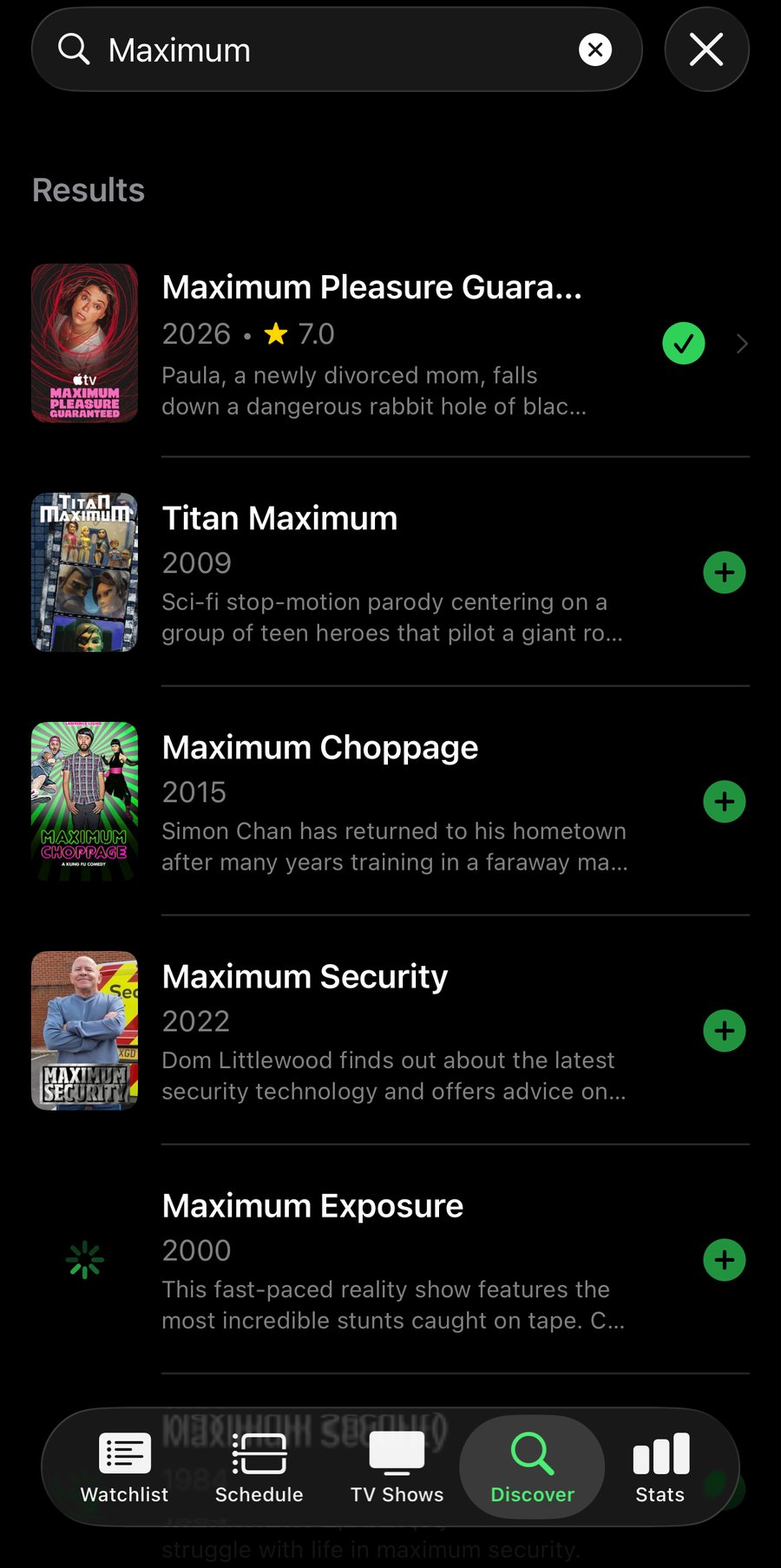
Search any TV show by name. Tap the green plus and it joins your library — and the keyboard stays focused with your previous query selected, so the next "add this one too" is one word away.
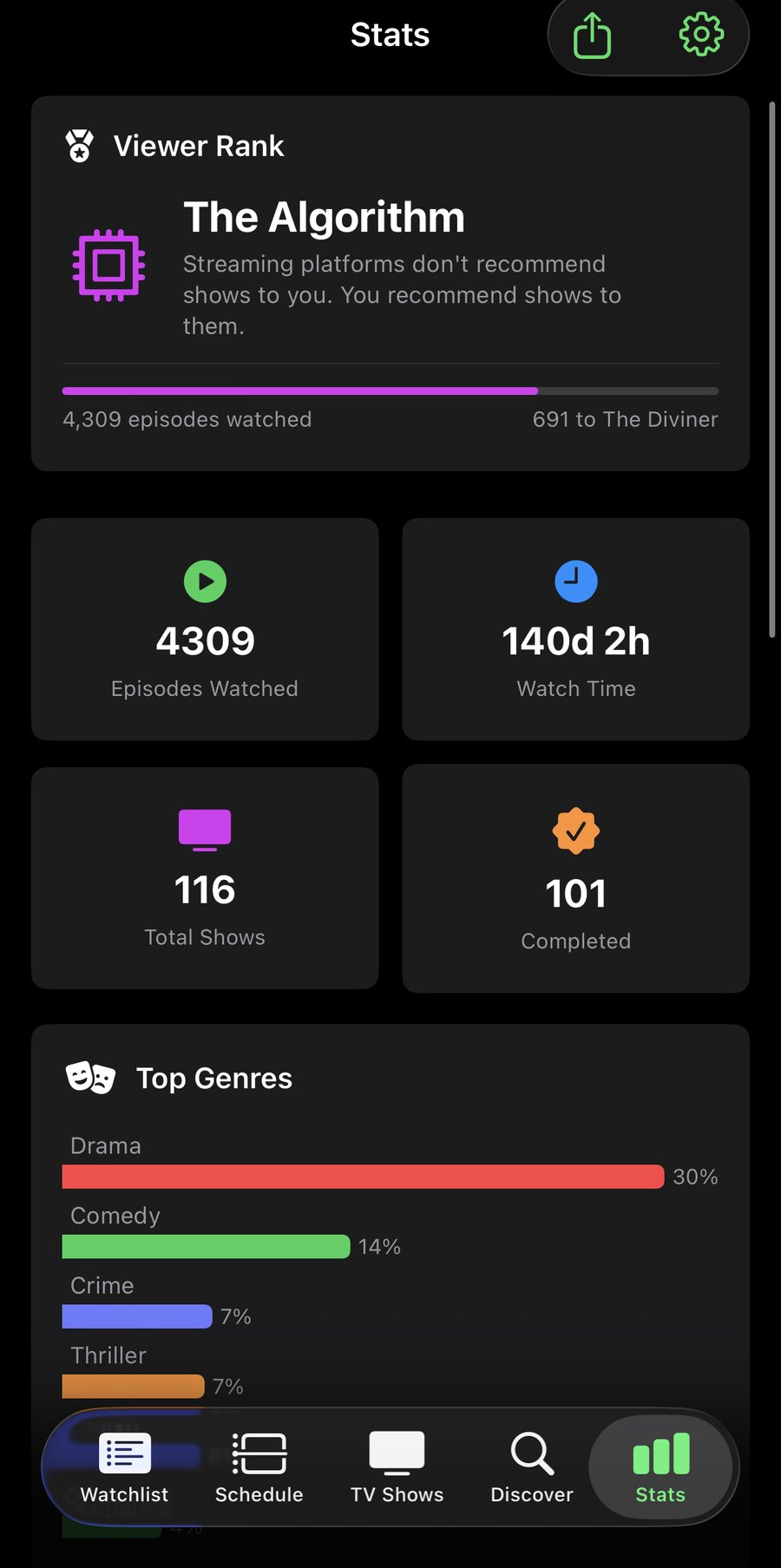
ShowFlow keeps a running viewer rank — from Channel Surfer to The Algorithm — and surfaces fun facts about your viewing: longest binge, prime watch day, total watch time, the works. Share the card with a friend in two taps.
ShowFlow has no accounts, no servers, no analytics, and no third-party trackers. Your shows live on your device and sync through your own private iCloud. Your backup lives in your iCloud Drive. We never see what you watch — because there's no "we" that could.
No sign-up, no login, no email required. Open the app and start tracking.
No telemetry, no event tracking, no third-party SDKs collecting your behavior.
Private iCloud sync — no ShowFlow servers. Your library lives on your device and in a database only your Apple ID can read.
Backups are written to your iCloud Drive as a file you can copy, share, or delete.
One quiet, focused TV tracker. Pay once, own it forever. No ads, no subscriptions, no follow-ups.